

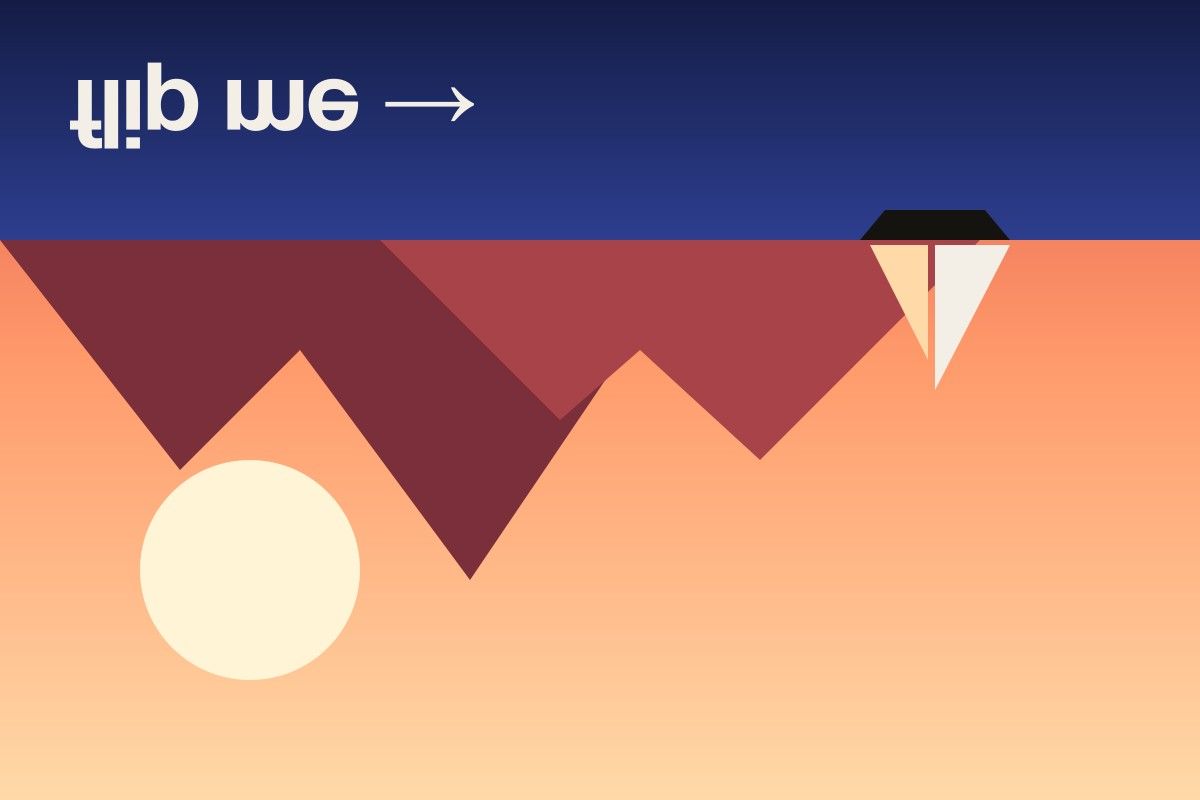
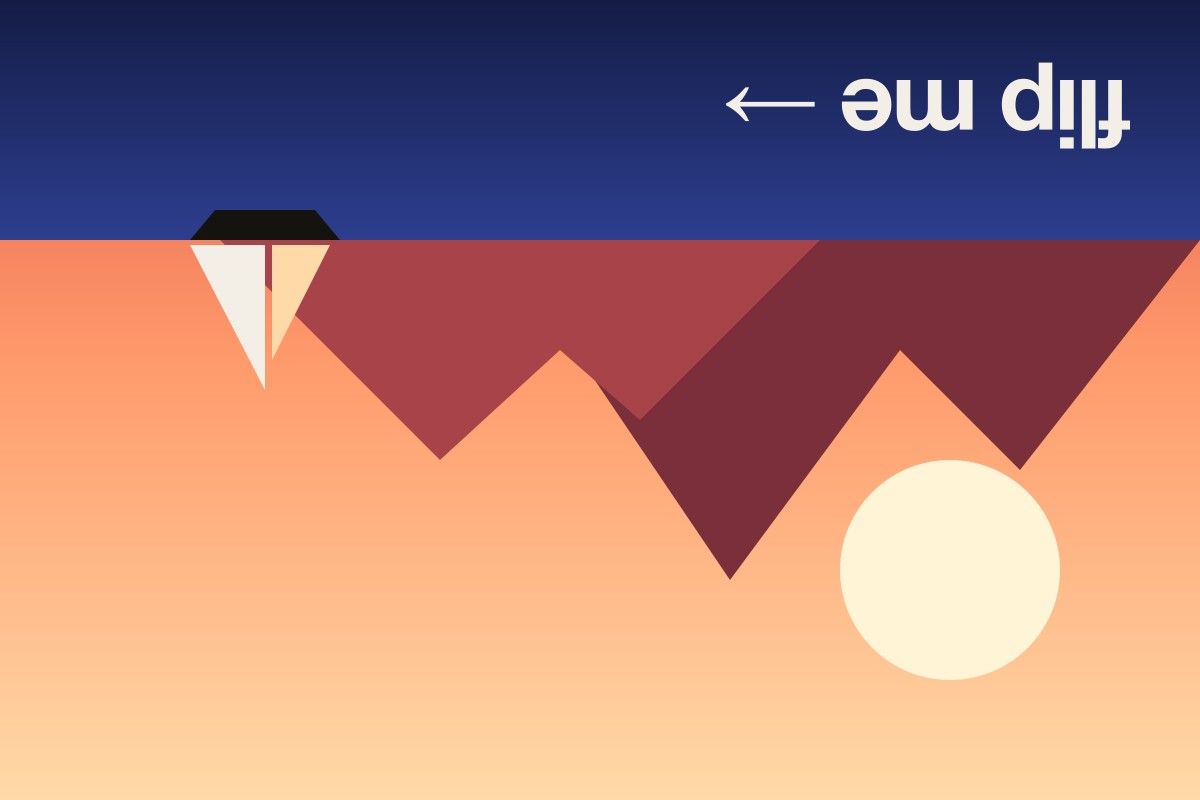
What a vertical flip does
A vertical flip reflects an image across a horizontal line through its middle. The top row of pixels becomes the bottom row, the sky ends up where the ground was, and everything in between swaps places accordingly. Unlike a rotation, the left side of the image stays on the left.
Creative uses for a vertical flip
- Reflections. Place a vertically flipped copy under the original and fade it out to imitate water, glass or a glossy floor — a classic effect for product shots and logos.
- Symmetry and patterns. Combine an image with its vertical flip to build kaleidoscope-style backgrounds, tiles and textures.
- Optical illusions. Upside-down portraits and landscapes make eye-catching thumbnails and social posts that stop the scroll.
- Art practice. Artists flip reference photos upside down to draw shapes and values instead of what they think they see.
Practical fixes
- Upside-down scans. Documents and photos fed into a scanner the wrong way round can be corrected quickly — use vertical plus horizontal if the page also needs a 180° turn.
- Camera and microscope images. Some lenses, telescopes and microscopes produce inverted images; a vertical flip restores the natural orientation.
- Data augmentation. For aerial, satellite and medical images, where “up” has no fixed meaning, vertical flips add useful variety to training data.
Vertical flip vs. rotation
If your picture looks upside down but text in it still reads left to right, you need a 180° rotation — switch on both Horizontal and Vertical in the tool above. If you want an actual reflection, where text appears mirrored, a vertical flip alone is the right choice.
Flip in any direction with the main image flipper.