

Skip to content
flipmyimage

FreeNo sign-upNo watermarkNever uploaded

Mirror Image Online

Create a perfect mirror image of any picture or design. Ideal for iron-on transfers, sublimation, window decals and backwards text — free, and your file stays on your device.

Drop your images here

PNG, JPG, WebP, GIF, AVIF · up to 30 at once · never uploaded

How to mirror an image online

It takes about three seconds, works on phones and desktops, and needs nothing installed.

  1. Add your design or photo. PNG files with transparent backgrounds are supported.

  2. Mirror it. Horizontal is on by default, which creates a classic left-to-right mirror image.

  3. Save as PNG to keep transparency and sharp edges for printing or cutting.

  4. Print or cut the mirrored file — it will read correctly once it is transferred.

Horizontal vs. vertical flip: see the difference

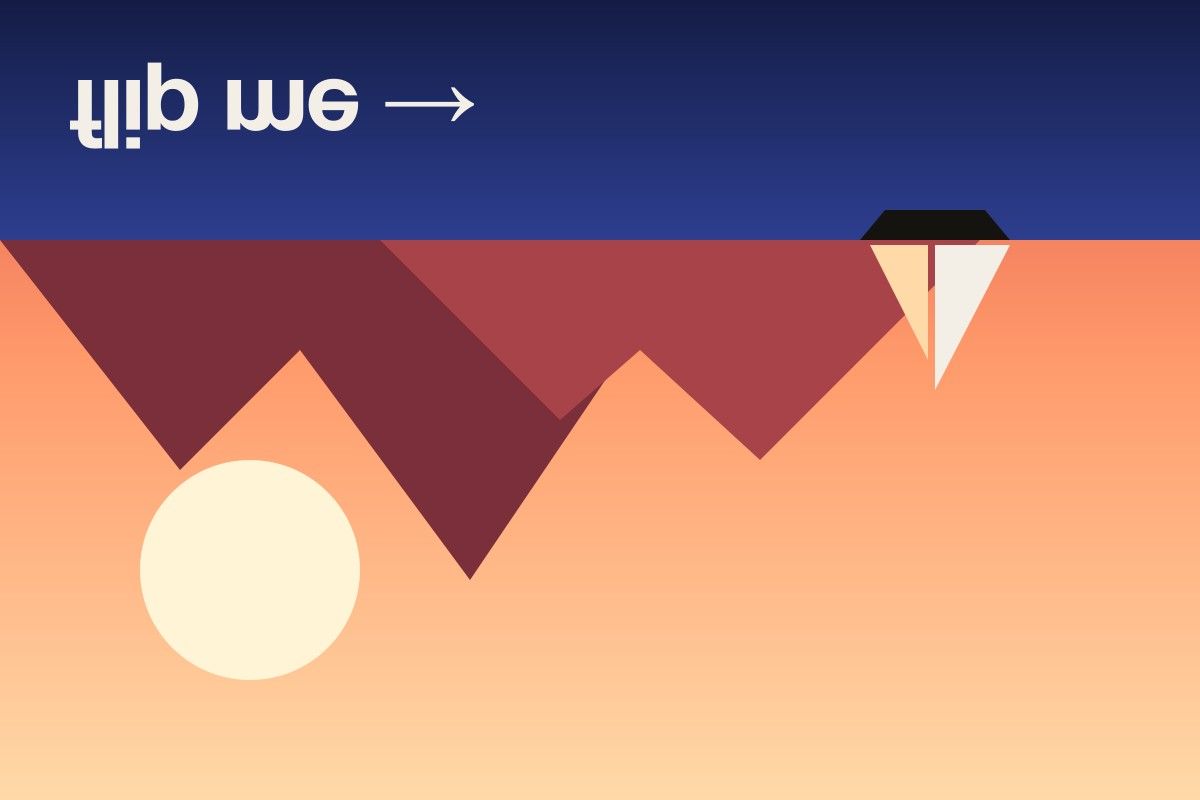
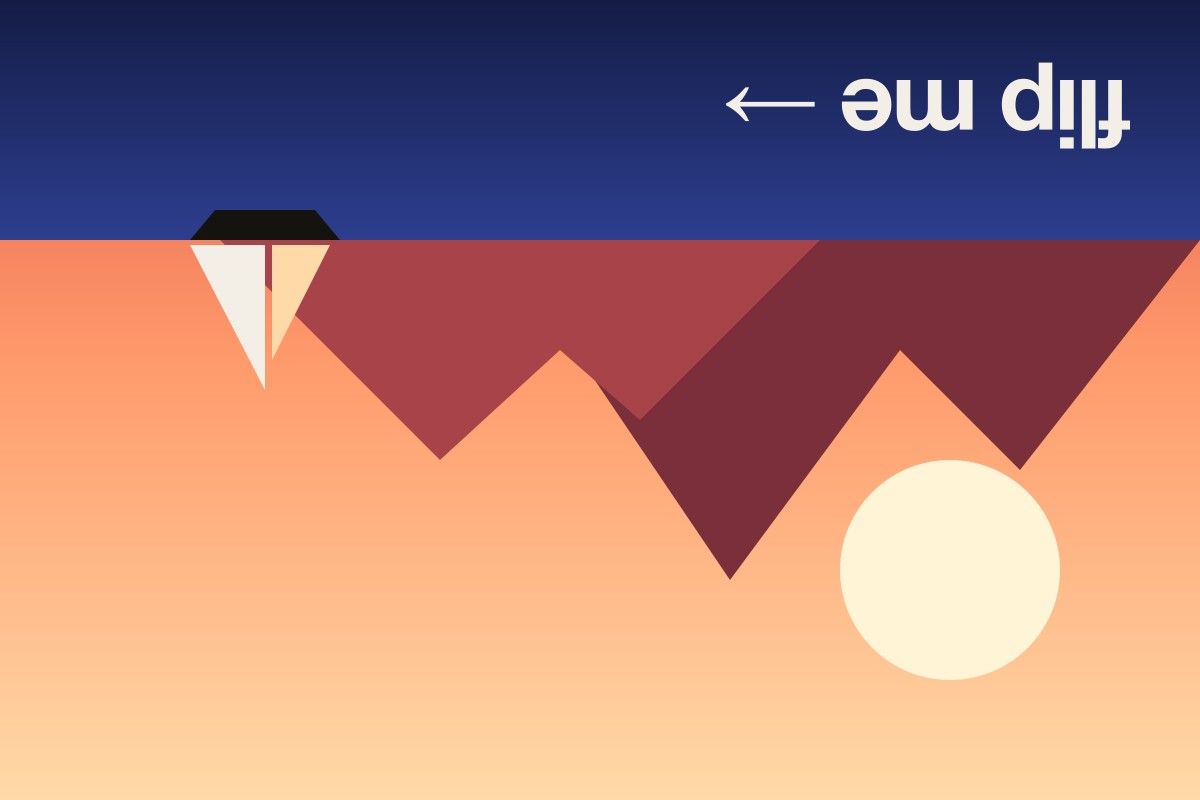
The same photo, flipped each way. A horizontal flip mirrors left and right; a vertical flip turns the picture upside down.

Original photo of a sunset with mountains and a sailboat, text reading flip me
Original
The same photo flipped horizontally — the sailboat and text are mirrored left to right
Flipped horizontally
The same photo flipped vertically — the sea is on top and the image is upside down
Flipped vertically
The same photo flipped both horizontally and vertically, equal to a 180 degree rotation
Flipped both ways

What is a mirror image?

A mirror image is a reversed copy of a picture, exactly like its reflection in a mirror. Left becomes right, text runs backwards, and a clock’s hands appear to move the other way. Technically it is a horizontal flip, and that is precisely what this tool creates.

Mirror images for printing and crafts

Many printing and crafting methods transfer a design face-down onto the final surface. If you do not mirror the design first, it ends up backwards. Mirror your file before you:

  • Cut heat transfer vinyl (HTV). The shiny carrier side goes face-down on the cutting mat, so the design is cut in reverse. Cricut Design Space and Silhouette Studio have a mirror toggle, but mirroring the source file here works with any cutter.
  • Print sublimation transfers. Sublimation paper is pressed ink-side down onto mugs, shirts and tumblers.
  • Print iron-on transfers for light fabrics. The printed side faces the fabric during pressing.
  • Make window and glass decals that are read from the outside but stuck on the inside.
  • Create tattoo and temporary tattoo stencils, which are transferred onto skin face-down.

Tip: export your mirrored design as PNG to keep transparent backgrounds and crisp edges for cutting.

Mirrored text and reflections

Backwards text appears in real life more often than you might think — the word AMBULANCE is printed mirrored on the front of emergency vehicles so drivers read it correctly in their rear-view mirror. You can create the same effect for teleprompter scripts, escape-room puzzles, reflection photos or fun social posts by mirroring an image of your text.

Mirror without uploading your designs

Original artwork, client logos and unreleased designs should not be uploaded to random websites. This mirror tool runs entirely in your browser, so your files are never sent anywhere. For vertical and combined flips, use the full image flipper.

Frequently asked questions

How do I mirror an image online?

Upload your image to the tool above. It is mirrored horizontally straight away; click Download to save the mirrored version.

Do I need to mirror an image for iron-on transfers?

For most iron-on transfer paper meant for light fabrics, and for heat transfer vinyl (HTV), yes — the design must be mirrored so it reads correctly after pressing. Transfer paper for dark fabrics is usually printed without mirroring, so always check the instructions for your paper.

Should I mirror images for sublimation printing?

Usually yes. Sublimation prints are pressed face-down onto the blank, so text and logos need to be mirrored. Many sublimation printer drivers include a mirror option; if yours does not, mirror the file here first.

Will the transparent background stay transparent?

Yes, as long as you save as PNG or WebP. JPG does not support transparency, so transparent areas would turn white.

How do I make mirrored, backwards text?

Create your text as an image (for example in any design app or as a screenshot), add it here and download the mirrored version. The text will read correctly when seen in a mirror or through the back of glass.

Guides & tips