

Skip to content
flipmyimage

FreeNo sign-upNo watermarkNever uploaded

Horizontal Flip Tool

A horizontal flip turns your image into its mirror reflection. Try it on your own picture below, then read on for how it works and when to use it.

Drop your images here

PNG, JPG, WebP, GIF, AVIF · up to 30 at once · never uploaded

How to apply a horizontal flip

It takes about three seconds, works on phones and desktops, and needs nothing installed.

  1. Add an image by dropping it on the tool, choosing a file, or pasting with Ctrl/⌘ + V.

  2. Keep Horizontal switched on. The preview flips your picture left to right as soon as it loads.

  3. Watch the axis. The dashed line shows the mirror line your image is reflected across.

  4. Download the flipped image in the format you need.

Horizontal vs. vertical flip: see the difference

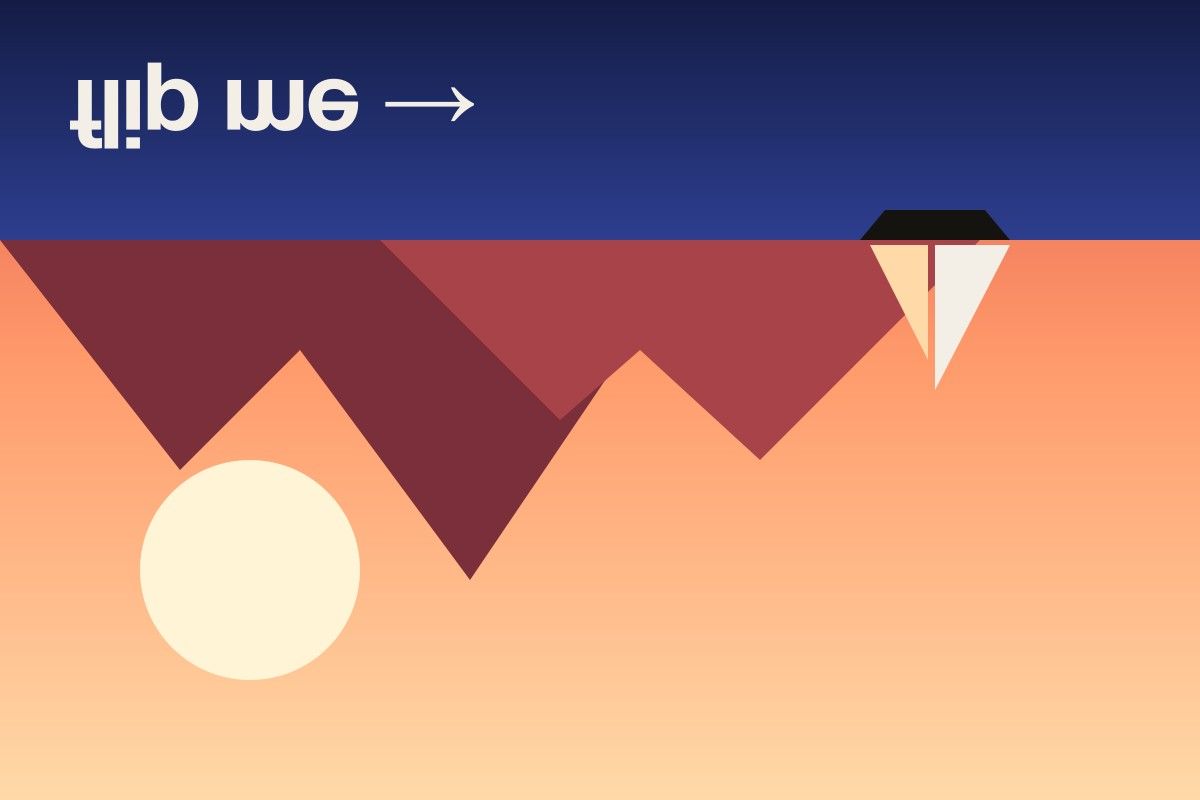
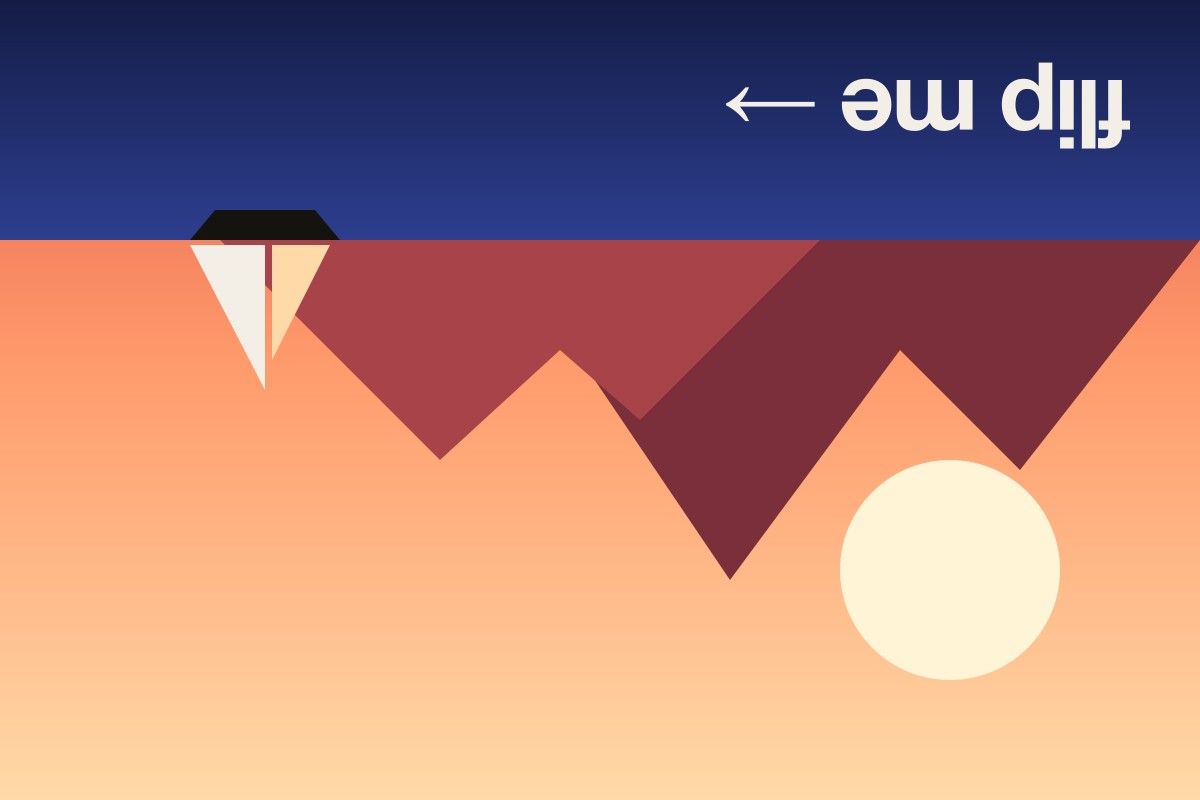
The same photo, flipped each way. A horizontal flip mirrors left and right; a vertical flip turns the picture upside down.

Original photo of a sunset with mountains and a sailboat, text reading flip me
Original
The same photo flipped horizontally — the sailboat and text are mirrored left to right
Flipped horizontally
The same photo flipped vertically — the sea is on top and the image is upside down
Flipped vertically
The same photo flipped both horizontally and vertically, equal to a 180 degree rotation
Flipped both ways

What is a horizontal flip?

A horizontal flip creates the mirror image of a picture. Imagine folding the image along a vertical line through its center: every point lands on its partner on the other side. The top stays at the top and the bottom stays at the bottom — only left and right trade places.

In mathematical terms, a pixel at position x in an image that is W pixels wide moves to W − 1 − x, while its vertical position does not change. That is why a horizontal flip never blurs or resizes anything.

Horizontal flip examples

  • Photography: a portrait where the subject looks off the left edge can be flipped so they look into the frame.
  • Graphic design: arrows, hands and vehicles can be flipped to point toward a call to action.
  • Video thumbnails: creators flip a face so it sits on the side opposite the title text.
  • Machine learning: horizontal flips are one of the most common data-augmentation steps, doubling a training set of natural photos without collecting new images.
  • Printing: T-shirt transfers and glass decals are printed with a horizontal flip so they read correctly once applied.

Horizontal flip vs. vertical flip vs. rotation

Operation What changes Text after the change
Horizontal flip Left ↔ right Mirrored, reads backwards
Vertical flip Top ↔ bottom Upside down and mirrored
Rotate 180° Both at once Upside down, not mirrored

Why a horizontal flip looks “wrong” on faces

Human faces are not perfectly symmetrical. You are used to seeing your own face in the mirror, which is a horizontal flip of how everyone else sees you. That is why an un-mirrored photo of yourself can feel slightly off, and why a flipped photo of a friend looks strange to you. Neither version is wrong — they are simply mirror images.

Ready to try more directions? The full image flipper handles horizontal, vertical and combined flips in one place.

Frequently asked questions

What is a horizontal flip?

A horizontal flip reflects an image across its vertical center line, swapping left and right. The result is a mirror image of the original.

Why is it called a horizontal flip if the mirror line is vertical?

The name describes the direction the pixels move — horizontally, from one side to the other. The line they reflect across runs vertically. That is why some software calls the same operation “flip along the vertical axis”.

Does a horizontal flip affect text in an image?

Yes. Text becomes mirrored and reads backwards. That is useful for transfers and reflections, but if you want to fix backwards text in a selfie, flipping horizontally is exactly what makes it readable again.

Is a horizontal flip reversible?

Completely. Apply a second horizontal flip and you get the exact original image back, with no loss of quality.